Create Your Profile
Your profile helps Qubi identify you in meetings and personalize your experience.
Sign up and log in
- Go to app.getqubi.com
- Sign in with your work email. Your admin may have already sent you an invitation
- If this is your first time, follow the on-screen prompts to complete setup
Complete your profile
- Click Settings in the left sidebar
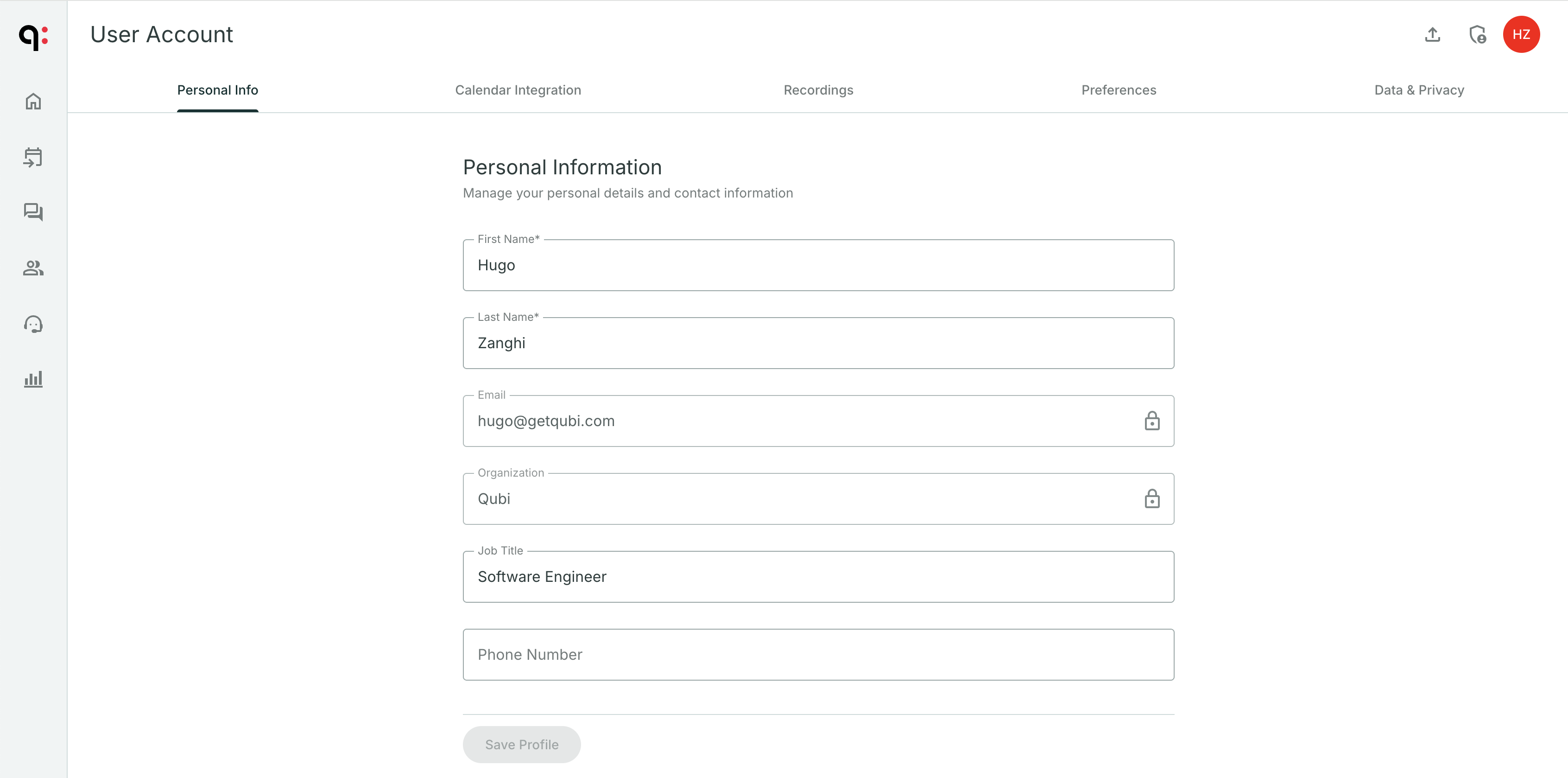
- Go to the Personal Info tab
- Fill in:
- First Name and Last Name
- Job Title (e.g., Account Executive, Sales Manager)
- Phone Number (optional)
- Click Save Profile
Set your timezone
- Go to Settings > Preferences
- Select your Timezone from the dropdown
- Click Save Preferences
Your timezone ensures meeting times display correctly and notifications arrive at the right time.