Customize the Qubi Bot
Personalize the Qubi bot that joins your meetings: set its name, avatar, and behavior to match your team's preferences.
Bot settings
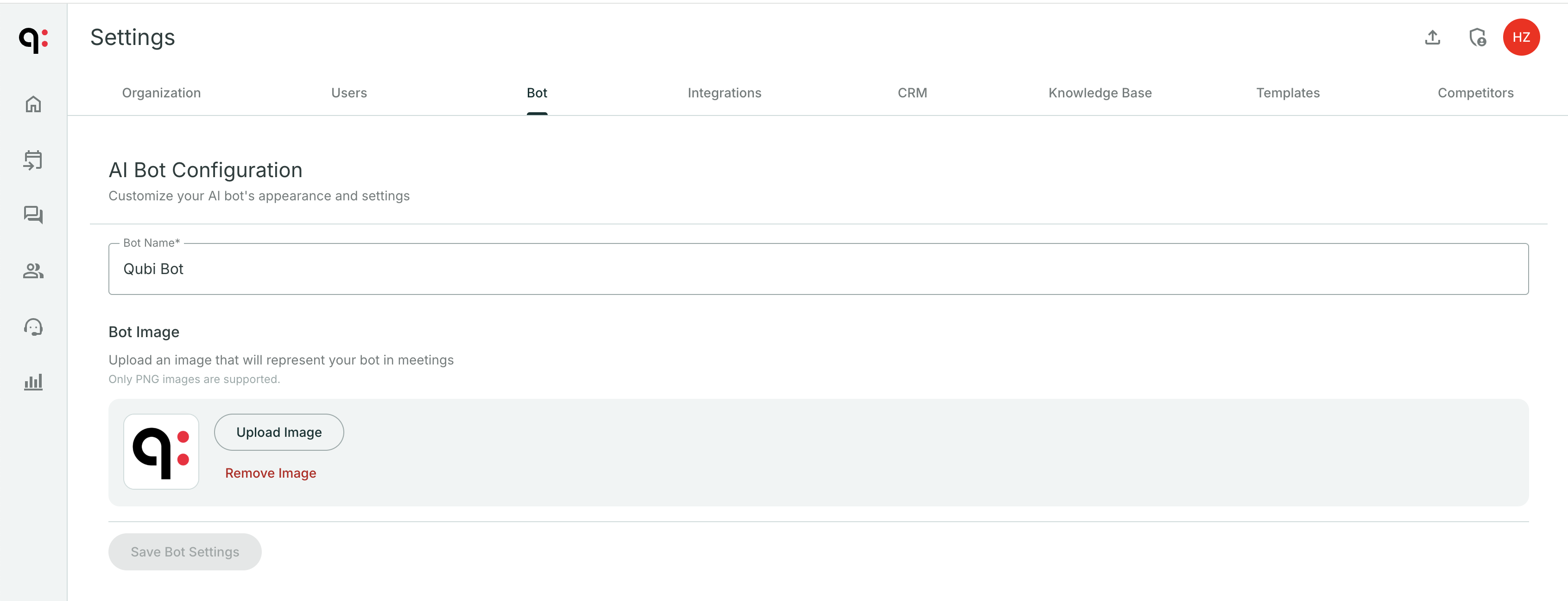
In Settings > Bot, you can configure:
- Avatar: Choose a custom image for the Qubi bot that appears in meetings
- Display name: How the bot identifies itself when joining calls
Recording behavior
Control how the bot interacts with your meetings:
- Auto-join: Whether Qubi automatically joins all meetings or only meetings where it's explicitly invited
- Voice identification: Enable speaker recognition so Qubi can identify individual speakers more accurately
tip
If your team uses Qubi externally (with prospects and customers), consider customizing the bot's avatar and name to match your brand. It creates a more professional impression.