Organization Settings
Configure your organization's core settings to ensure Qubi identifies your team correctly and presents the right branding.
Company information
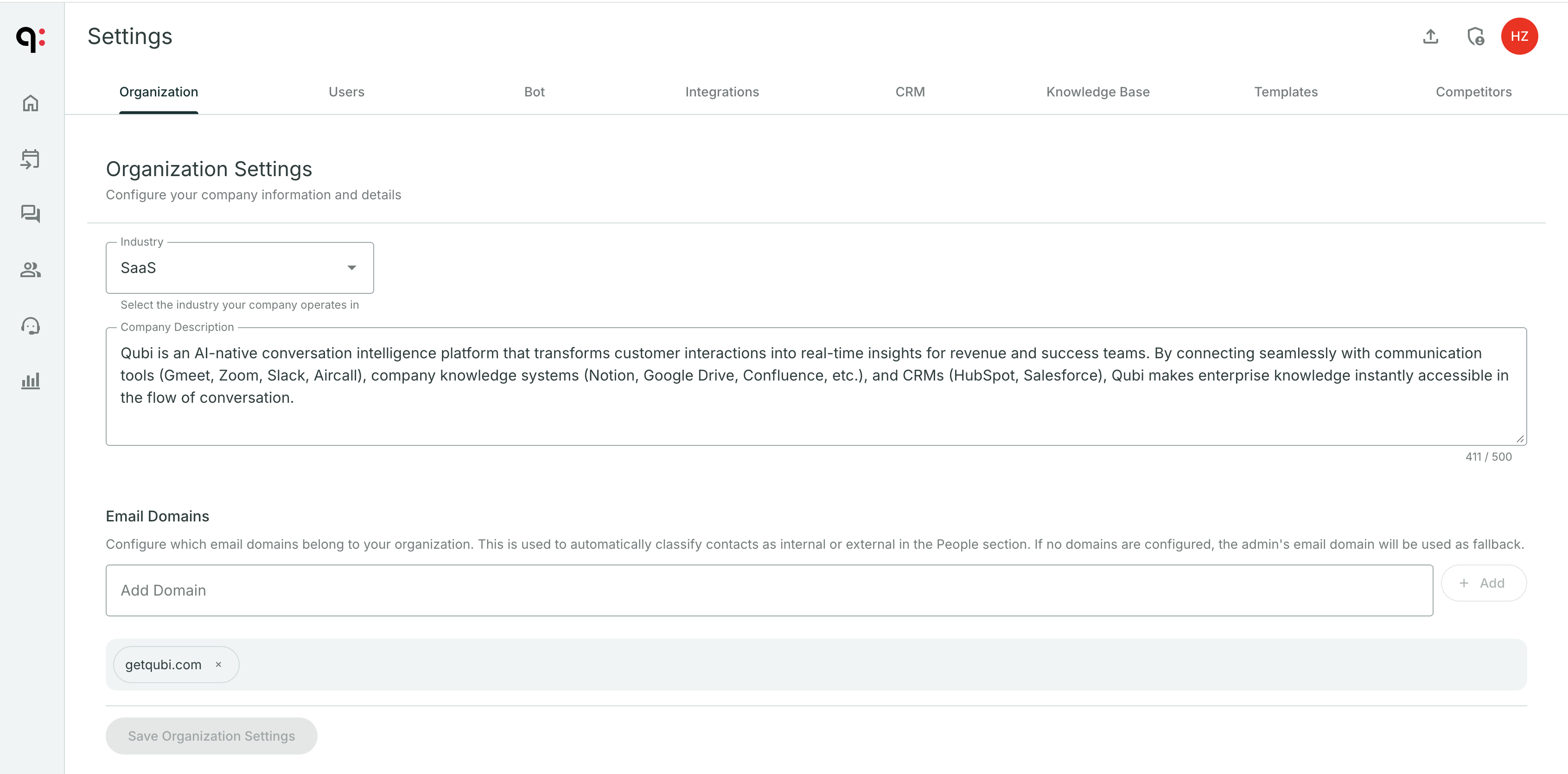
In Settings > Organization, set:
- Company name: Displayed throughout the platform
- Industry: Select the industry your company operates in
- Description: A short description of what your company does
- Website: Your company's website URL
- Logo: Your company branding (where applicable)
Internal domains
Add all your company's email domains so Qubi can distinguish between:
- Internal participants: Your team members
- External participants: Prospects, customers, and partners
This affects:
- How meeting summaries label participants
- How contacts are categorized
- How talk-time analytics are calculated
Add an internal domain
- Go to Settings > Organization
- Find the Internal Domains section
- Add each email domain your company uses (e.g.,
yourcompany.com) - Save
caution
Make sure to add all domains your team uses, including any subsidiary or regional domains. If a domain is missing, team members using that email will appear as external contacts.