Competitors: Admin Configuration
Manage your competitive landscape from Settings > Competitors. Add known competitors, configure auto-detection, and maintain the intel that powers Qubi's competitive coaching.
Add and manage competitors
- Go to Settings > Competitors
- Click Add Competitor to add a new competitor manually
- Enter the competitor's name and website
- Build out their profile with strengths, weaknesses, and differentiators
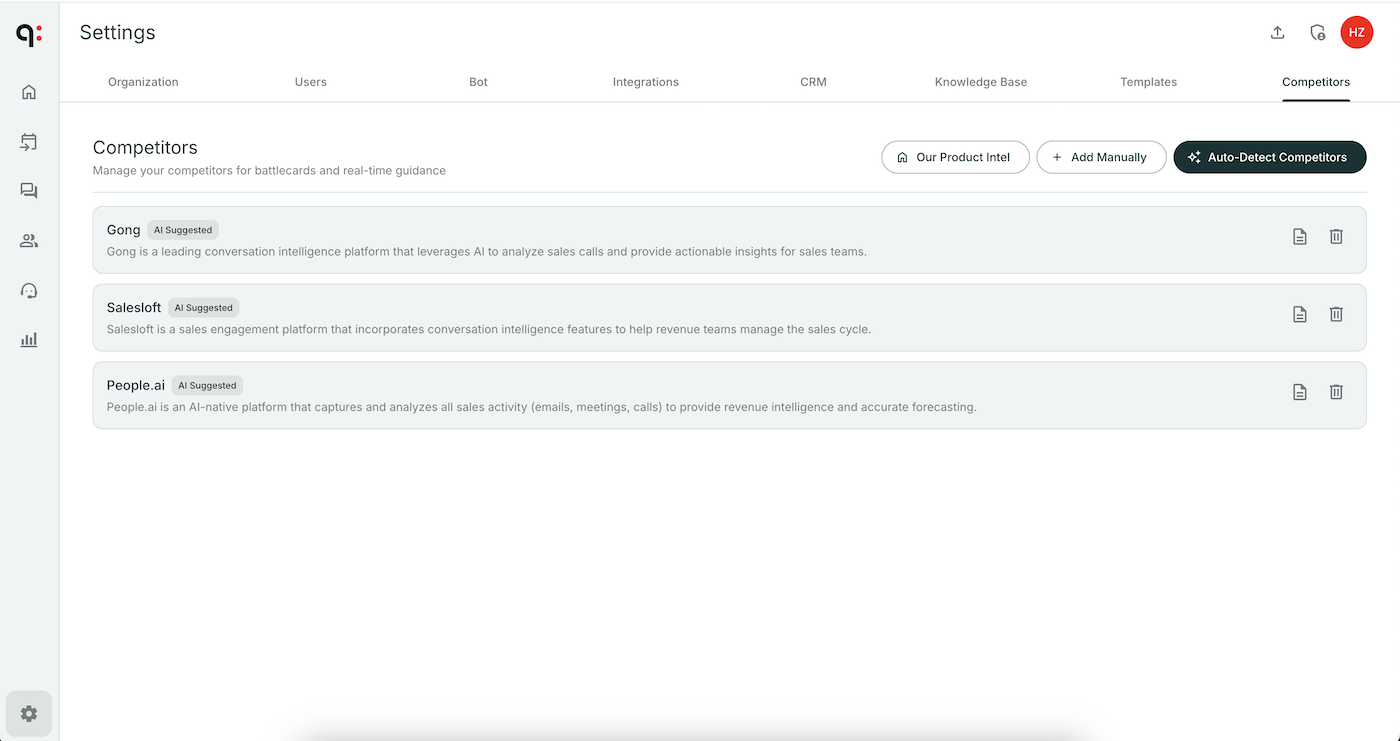
Configure auto-detection
Qubi's AI can detect when competitors are mentioned in your team's calls:
- In Settings > Competitors, find the auto-detection toggle
- Enable it
- Qubi will flag competitor mentions after processing each call
- Review and confirm detections to add them to your tracked list
Maintain competitive intel
Keep your competitor profiles current by:
- Updating information after competitive wins or losses
- Adding new talking points or objection responses
- Incorporating feedback from your sales team about what they're hearing in the field
For a user-focused overview, see Competitors & Battlecards.