Notification Preferences
Control how and when Qubi notifies you. All notification settings are in Settings > Preferences.
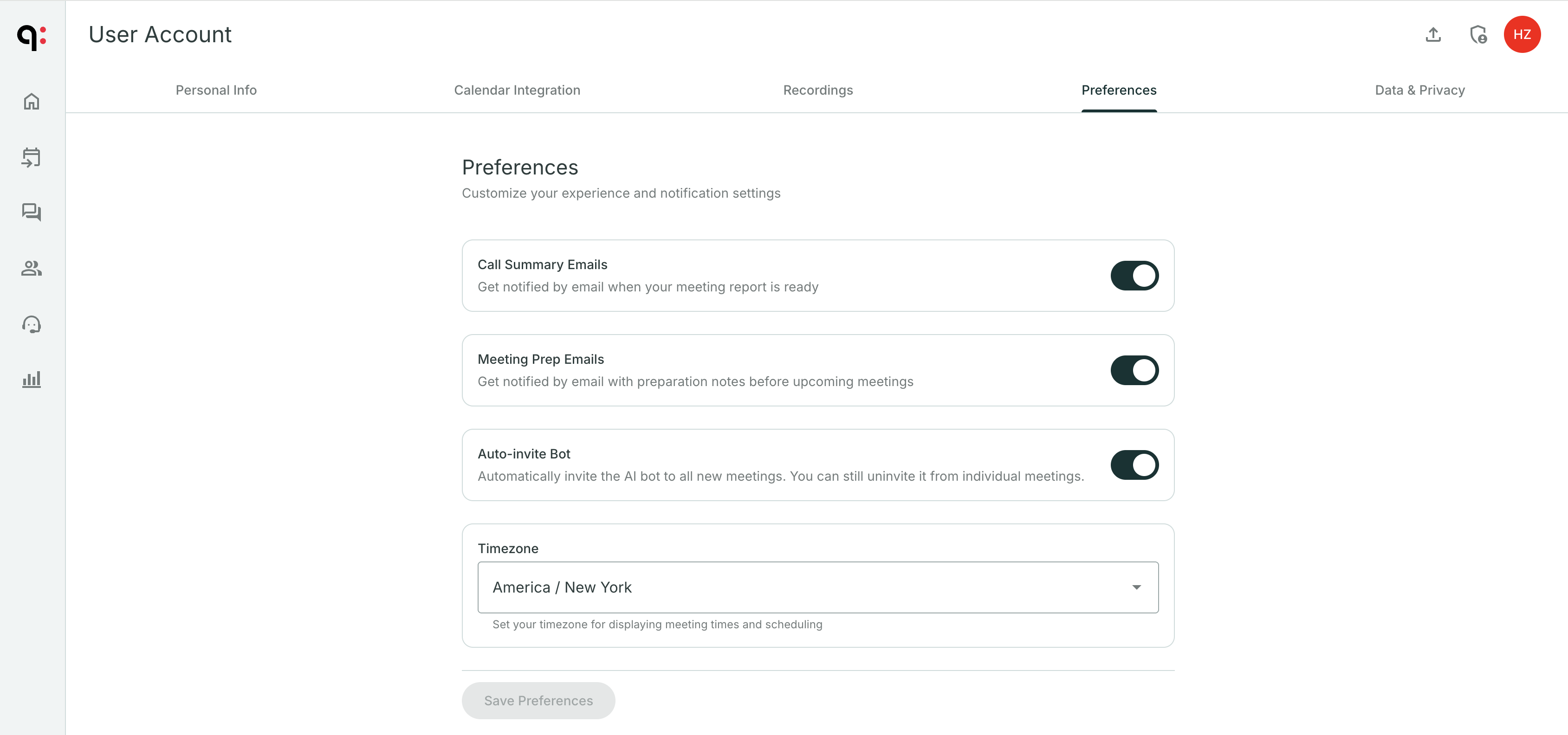
Call summary emails
Turn on Call Summary Emails to receive an email after every recorded meeting with the AI-generated summary, key moments, and action items.
This is useful if you want a quick recap in your inbox without opening Qubi.
Meeting prep emails
Turn on Meeting Prep Emails to get an AI-prepared brief delivered to your inbox before each upcoming call.
The prep email includes:
- Context from previous calls with the same participants
- Key opportunities and conversation starters
- Potential objections to anticipate
Auto-invite Qubi to every meeting
Turn on Auto-invite Bot so Qubi automatically joins all your new meetings. This means you never have to remember to invite it. Every call gets recorded and analyzed.
If you prefer to choose which meetings to record, leave this off and invite Qubi on a per-meeting basis from the Upcoming Meetings page.
Save your preferences
After adjusting your settings, click Save Preferences to apply the changes.